With the “Projects” concept, all documents of the workflow area are meant, such as the quotation, cost estimate, order confirmation, invoice, delivery notice and credit note.
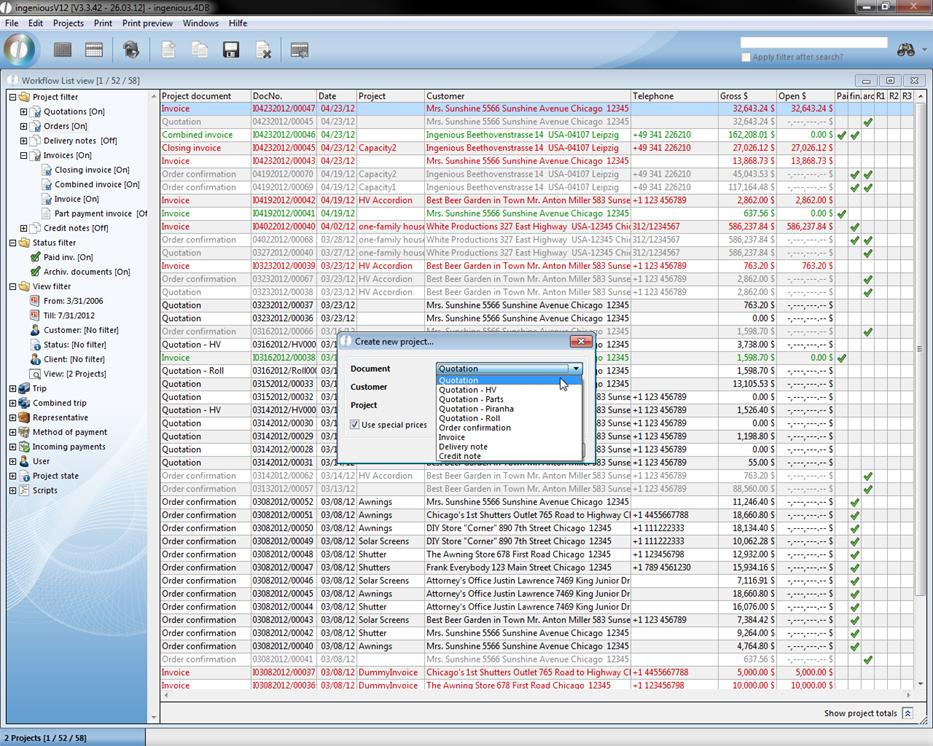
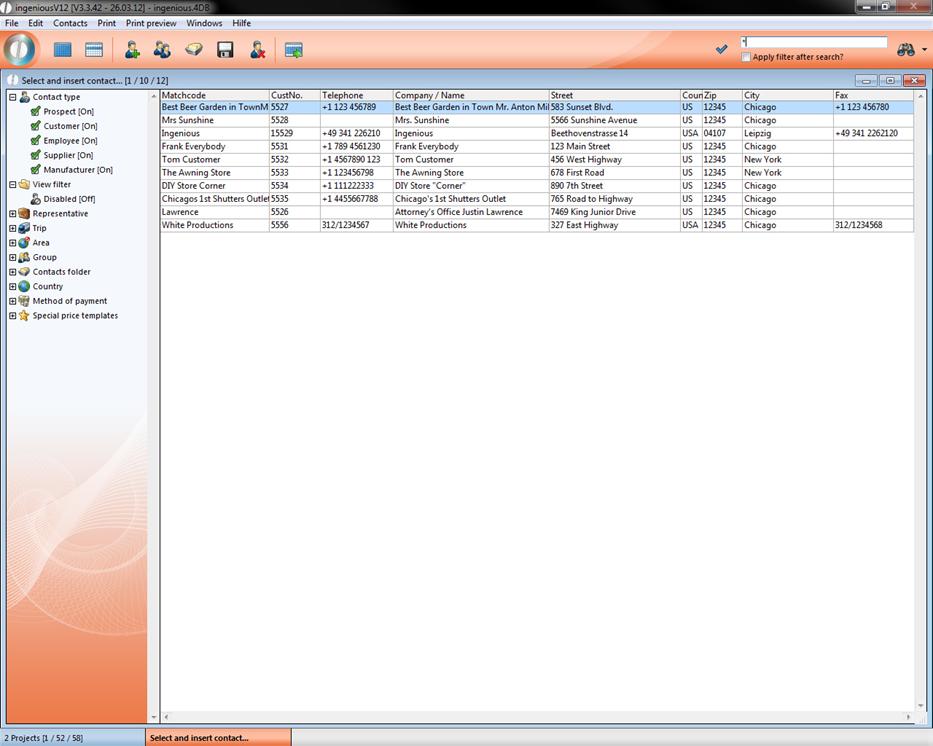
Two possibilities are available to you for creating a new project. You can create a new document with the “Projects” – “Create project document” with the menu “Projects” or click on the corresponding icon  in the icon bar. In the dialog window that appears, you choose the document to be provided with the context menu. If you don’t know the matchcode of the contact or if it pertains to a new contact, enter the first letter or a wild character (* or a @). As soon as you try to switch to the next field, the contact module in which you can look for the contact opens. By double-clicking on the cell, you transfer the contact. If you must enter the contact only anew, the detailed view appears to enter the contact data. After you secure the data, you click on the top right on the checkmark in order to transfer this contact for the project.
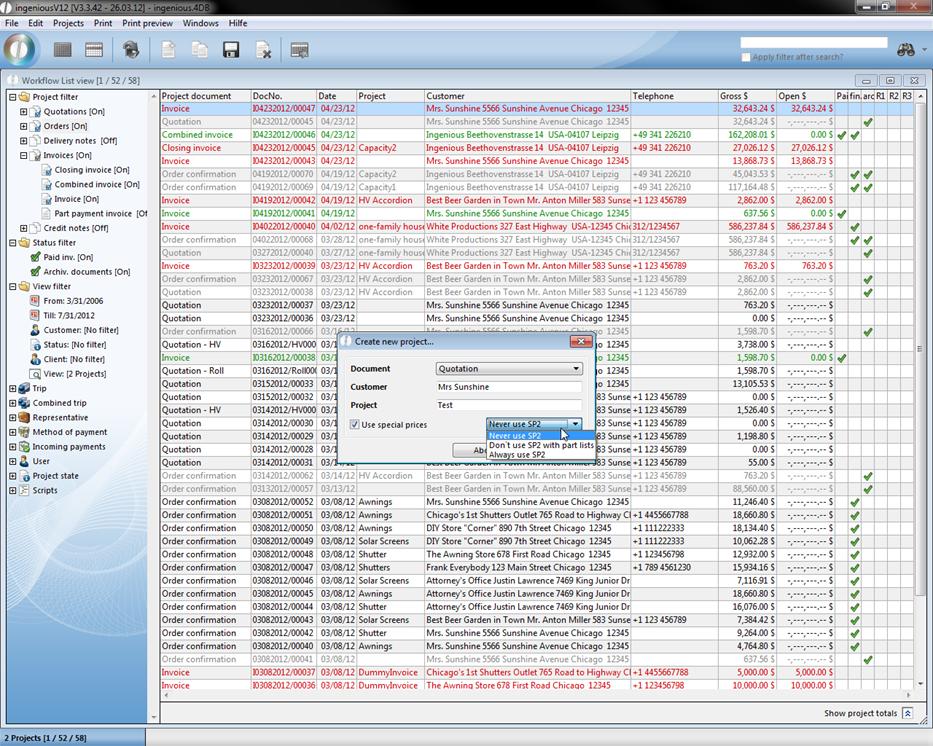
In addition, you can determine whether the special fixed prices for the contacts should be used, and how you should proceed with the sales price 2.
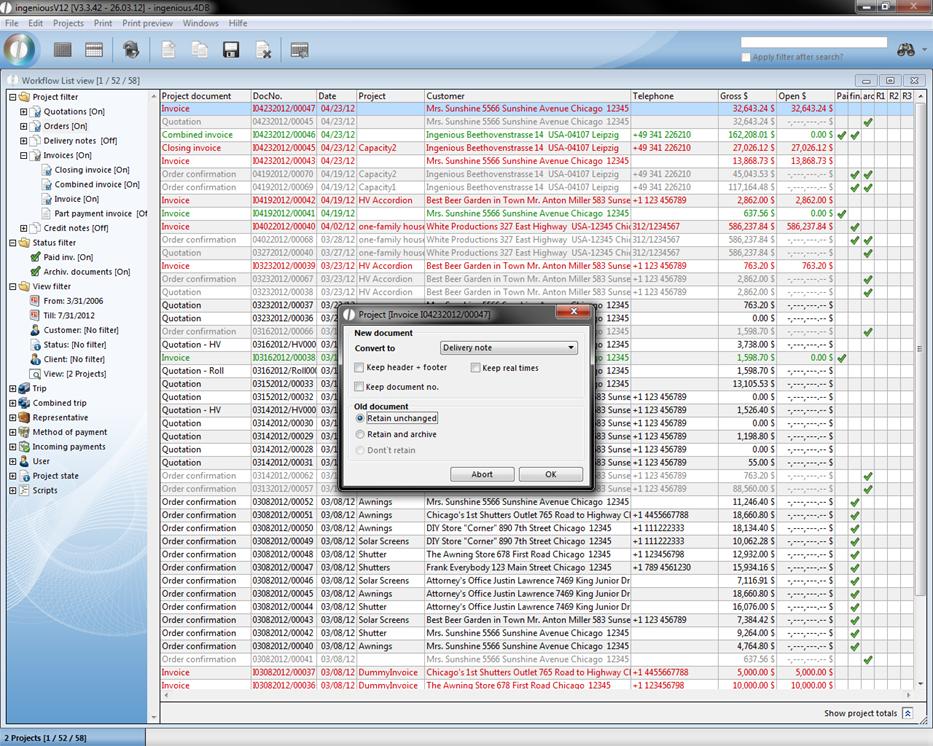
In order to create a delivery notice from an invoice, the function “Forward project status” is available whereby you can activate by clicking on the  icon. An editing window opens in which you can determine what is transferred into the new project document and what should happen to the old document. Also in the detailed view of the project documents, you have the possibility to forward the project status.